Create beautiful resumes on the go.

Kickresume’s mobile resume builder makes it easy to create resumes and cover letters on your phone.

Kickresume helps people get hired at the world’s top companies.

  • Google
  • Apple
  • Facebook
  • NASA
  • Nike
Preview of Kickresume’s mobile resume builder app showing resume sections, a live preview, and design settings.

Choose from 40+ resume templates.

Explore 40+ customizable resume templates designed by a team of professional typographers and recruiters. Each of them ATS-friendly and stunning.

Resume template gallery in Kickresume’s mobile app, with 40+ resume templates to choose from.

Edit your resumes on any device.

Kickresume’s mobile resume builder stores all your resumes and cover letters in the cloud. You can use it exclusively on mobile or pick up where you left off on desktop (and then go back to mobile if you like).

Kickresume mobile resume builder showing work experience editing fields and a live resume preview.

Explore one million possible designs.

Every resume template comes with alternate color schemes, fonts, and formatting options. There’s more than one million possible designs for you to explore.

Resume customization in Kickresume’s mobile app with alternate color schemes, fonts, and formatting options, with over one million possible designs.

Security & Data Protection

Kickresume gives you full control over your data while keeping it safe.

European Union
Hosted in the

European Union

We’re based in the EU, which means that you’re being protected by the world’s toughest privacy and security law (GDPR). This gives you a complete control over your data and ensures maximum transparency.

Trust
Trust

Loyal to our customers

We believe that being loyal to you, our customers, always pays off. Kickresume was built on your trust and we don’t want to lose it. We don’t share your data with third parties unless you tell us to.

Bulletproof
Bulletproof

Pentested by ethical hackers

Thanks to our partnership with a leading IT security company whose name is subject to confidentiality, we are able to do regular penetration testing of our infrastructure and ensure that your data stays safe with us.

Your frequently asked questions.

If you don’t find answers to your questions here, don’t hesitate to ask. Kick’s customer service team is always ready to help.

How to create a resume on my phone?
  1. Download the free Kickresume mobile resume builder app. (Both iOS and Android are supported.)
  2. Sign up or log in to your Kickresume account.
  3. On the homescreen, tap the “Create a resume” button.
  4. Select if you want to create a resume manually, with AI, upload your existing one, or import your information from LinkedIn
  5. Add resume sections & fill-in each one with relevant content. If you imported your old resume (or uploaded from LinkedIn), simply edit any resume section.
  6. You can (but don’t have to) use AI to help you write, tailor your resume to a specific job, or check your ATS compatibility. Kickresume also offers 40+ resume templates designed by graphic designers and HR experts. These are customizable so you can create a resume that’s exactly how you want it.  
  7. Finally, export your resume for free, or apply to jobs with it straight within the app.
Is the Kickresume mobile app free?

Yes! The Kickresume mobile app is free to download. 

The Kickresume mobile app is now available for both iOS and Android.

All paid customization options are clearly labeled inside the Kickresume resume builder app, so you can easily avoid using them.

If you want to unlock the full power of Kickresume, you can upgrade to a Premium subscription at any time.

Also, Kickresume is free for students.

What’s the best resume builder app for mobile?

Kickresume’s resume builder app is the #1-rated resume app for both iOS and Android. Why?

Because it was specifically built for resumes and job applications. And it’s free. You can create a professional resume with a few taps, tailor it to a specific job ad, check if it’s ATS-friendly, and save/share your resume. You can also practice for your next interview with personalized questions, search job offers & quickly apply to them.

Does the Kickresume Mobile App sync with the desktop version?

Yes. Everything syncs automatically through the cloud. You can start a resume on your phone and continue working on it later from your desktop, or the other way around. All edits on your phone or laptop sync immediately.

Can I apply for jobs directly from the Kickresume mobile app?

Yes. The Kickresume app lets you search and apply for jobs directly from your phone using your resumes and other career documents.

How to create a simple resume on mobile?

To create a simple resume on mobile phone, you can download the free Kickresume mobile app (available both for iOS and Android). Then, sign up or log in to your Kickresume account. Finally, on the homescreen tap on “Create a resume”. Then you can pick a simple resume template and start filling in the resume sections. Finally, you can export the resume as PDF for free as many times as you like. 

Can I write a resume using my phone?

Yes, you can! To write a resume using your phone, download the free Kickresume mobile resume builder app. Kickresume mobile app is designed specifically for creating and editing your resumes and cover letters on your phone.

Can I edit documents in the Kickresume mobile app?

Absolutely. The app gives you full editing freedom. You can create and edit resumes, cover letters, and resignation letters. You can also check if your resume is ATS-friendly, tailor it to a specific job ad, or translate your resume to 8 different languages. 

All edits you make on the Kickresume app on your phone sync automatically with the desktop version. 

Is the app available on both iOS and Android?

Yes. You can download Kickresume mobile app on the App Store and Google Play for free.

How can I edit my resume on my phone?

To edit your resume on your phone:

  1. Download the free Kickresume mobile resume builder app. (Both iOS and Android are supported.)
  2. Sign up or log in to your Kickresume account.
  3. On the homescreen, tap the “Create a resume” button and select “Upload resume”. 
  4. You can now edit resume sections & fill-in each one with relevant content.
  5. You can (but don’t have to) use AI to help you write, tailor your resume to a specific job, or check your ATS compatibility
  6. In case you want to change the design of your resume, Kickresume also offers 40+ fully customizable resume templates designed by graphic designers and HR experts.
  7. Finally, export your resume in PDF for free, or apply to jobs with it straight within the app.

Let your resume do the work.

Join 8,000,000 job seekers worldwide and get hired faster with your best resume yet.

Create Resume
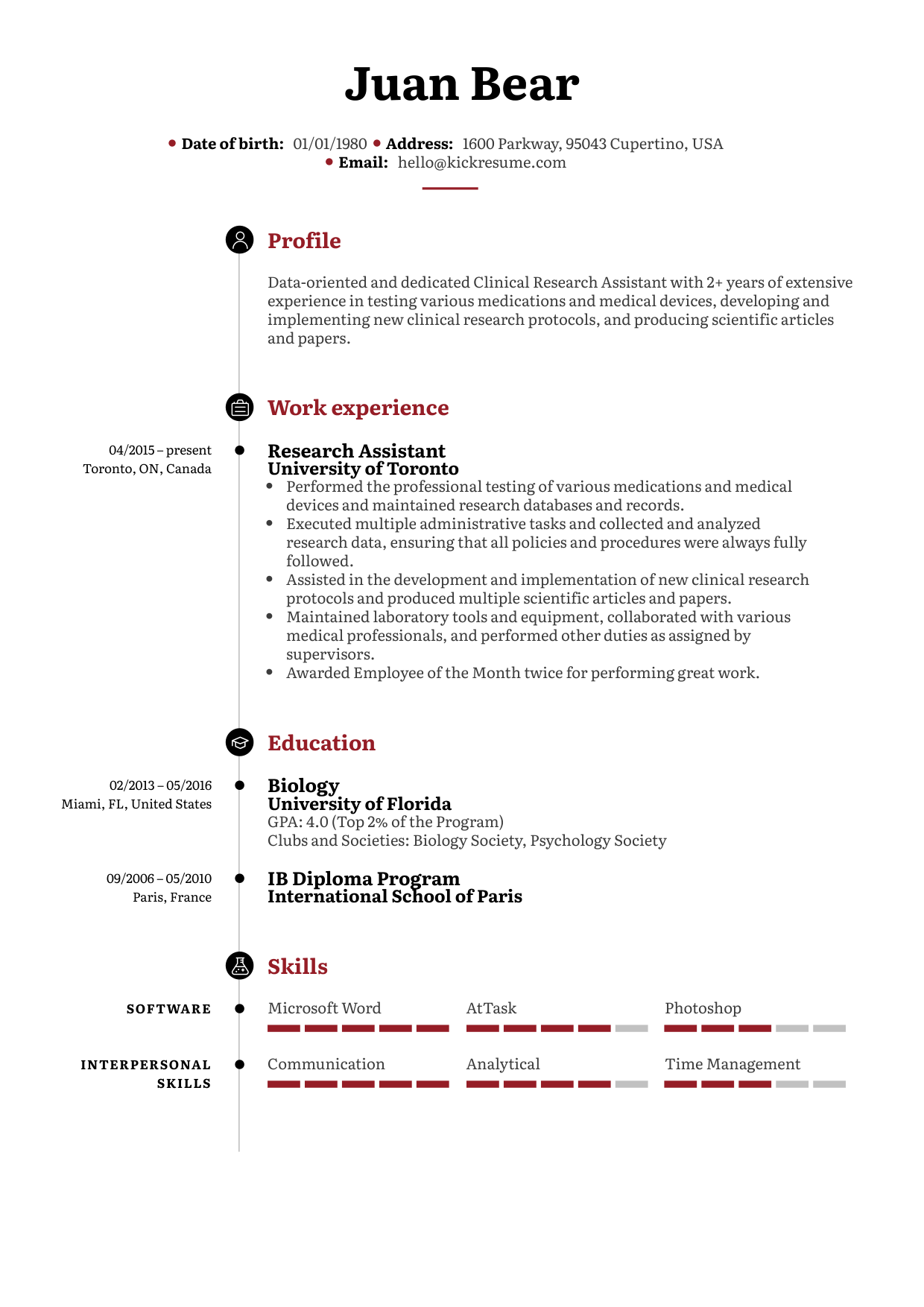
ATS-friendly resume template with a classic design, perfect for professional and corporate job applications. Simple resume template with well-defined sections and a clear structure to highlight your qualifications. A classic, structured design featuring a clean layout with clearly defined sections, emphasizing professionalism and readability.