
 ChatGPT
 Perplexity AI
 Claude
If you’ve ever wondered how to make a resume on an iPhone, you’ve come to the right place.
In today’s fast-paced job market, having the ability to create or edit your resume directly from your iPhone gives you unmatched flexibility. Whether you’re on the go, commuting, or just prefer mobile tools, an iPhone lets you tailor your resume instantly and stay ready for any opportunity.
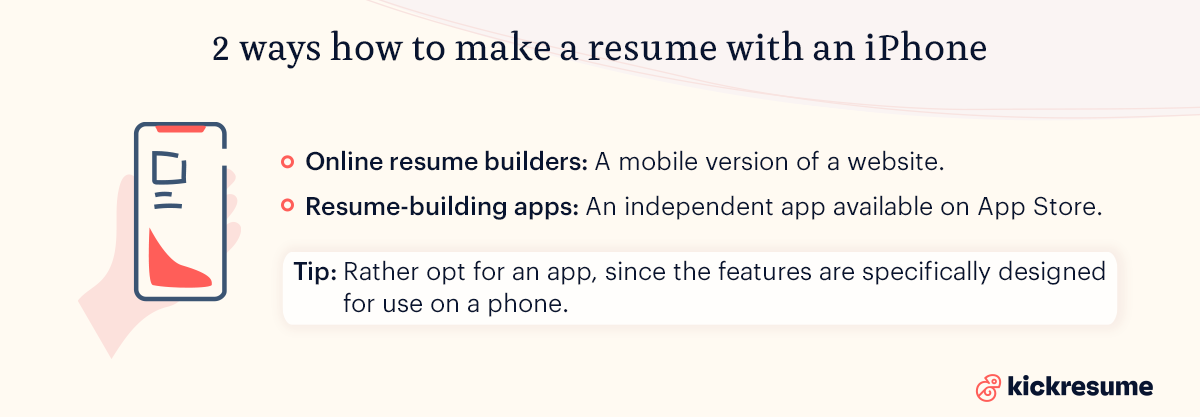
Making a resume on an iPhone is easiest with a resume-building app, but you can also use an online resume builder — here’s how they compare:
- Online resume builders: More features and customization, but may be harder to navigate on a small screen.
- Mobile resume apps: Optimized for touch interface, easier to use on the go, but sometimes with fewer advanced options.
In this article, we discuss the ins and outs of making a resume on an iPhone, including a more in-depth breakdown of the tools needed to do so. Plus, we review the key elements of a perfectly-written resume.
Find out your resume score!

Can you make a resume with an iPhone?
Crafting a resume may seem like a task that requires a computer. Yet, you can easily create a resume on your mobile device — such as an iPhone — provided you have the right tools.
To create a resume on an iPhone, you need either an online resume builder or a resume-building app. Apps are generally the better option for making a resume on an iPhone, as these tools are programmed specifically for use on a mobile device.
However, an online resume builder that’s optimized for mobile use can also work great on an iPhone.
Which tool is right for you depends on your individual needs and experience in making resumes.
Consider this:
- Online resume builders can sometimes include more complex customization features.
- Resume-building apps strive to keep features more simple and touch-screen friendly.
With this in mind, let’s look at how to create a resume with both of these tools.
How to make a resume on an iPhone using a mobile app
Compared to online resume builders, resume-building mobile apps are more optimized for mobile use. Nevertheless, mobile apps work similarly to resume builders.
Here are some tips for how to use resume-building apps:
- Apps typically involve drag-and-drop tools, customizable templates, or even both. The key difference is that the tools found in a resume-building mobile app will be much easier to use on the phone and with your fingers or a stylus.
- Saving a resume on a mobile app will often require you to have an email address or digital storage account (Dropbox, Google Drive, etc.) connected to the mobile app.
- Once your email or account information is connected, you can then easily choose the file format — usually a PDF — and quickly export your resume to the destination you’ve selected.
Mobile design tips:
- Stick to simple, ATS-friendly templates that scale well on small screens.
- Avoid overly complex layouts or graphics that may not display properly on all devices.
- Use clear section headings and bullet points — mobile readers skim fast.
- Preview your resume on your iPhone before exporting to make sure everything is aligned.
Like with online resume builders, mobile apps can be either free or paid. In many cases, a mobile app is offered for free with in-app purchases available for those who want specific upgrades or other additional tools and features.
Best resume-building mobile apps to use in 2026
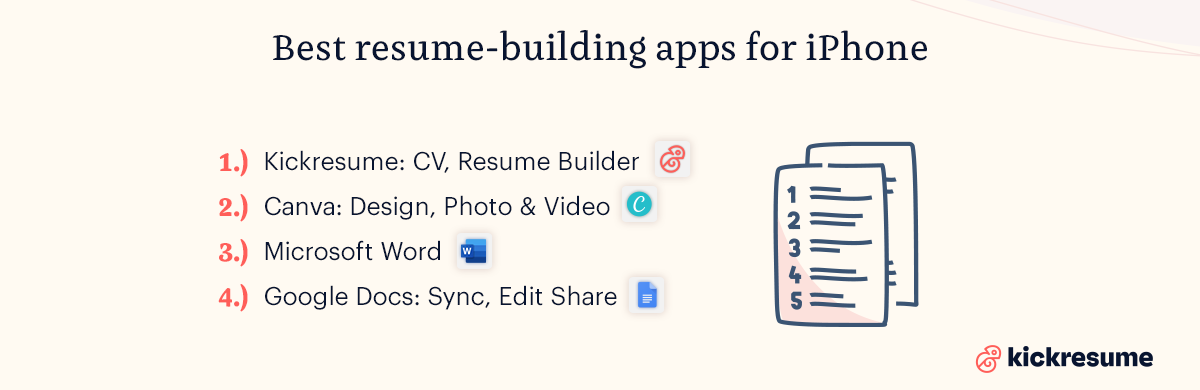
1. Kickresume: CV, Resume Builder.
The Kickresume app is the ideal tool for building a resume on an iPhone. Although you can access Kickresume’s online resume builder through a web browser on your iPhone, using the mobile-optimized app is perhaps more convenient.
With the app, you can:
- Create a resume using the Resume Builder and 40+ professional resume templates
- Build a matching cover letter with the Cover Letter Builder and 40+ matching cover letter templates
- Get inspired with 2,200+ resume samples and cover letter samples
- Import your LinkedIn profile and turn it into a resume in a few clicks
- Keep everything synced with cloud storage, so you can edit on iPhone or pick up where you left off on desktop
- Use helpful AI tools like ATS Resume Checker, AI Resignation Letter Generator, and AI Job Interview Questions Generator
2. Canva: Design, Photo & Video.
Canva is a graphic design platform is widely used for tasks such as creating social media posts, presentations, resumes,infographics, and other visual forms of media.
While Canva's web version is accessible through mobile browsers, the dedicated app offers a more streamlined experience optimized for mobile devices.
It also offers a free online resume builder that includes templates and drag-and-drop design elements.
With the app, you can:
- Create and customize resumes using thousands of mobile-friendly templates
- Use the Drag-and-Drop Editor to easily add, move, and resize elements
- Enhance your resume with Photo Editing tools including crop, flip, filters, effects, and frames
- Export your resume as a PDF for easy sharing with employers
3. Microsoft Word.
Microsoft Word offers a mobile app where you can easily create a variety of different documents, as well as access all Word’s templates. You can save documents as PDFs or Word files, or export them to online storage centers, such as OneDrive or Dropbox.
With the app, you can:
- Create resumes using modern, professionally designed Templates
- Read, write, and edit documents with full formatting capabilities and real-time collaboration
- Use AI-powered Copilot to help with writing, formatting, and content suggestions
- Save and export your resume as a PDF or Word file to OneDrive, Dropbox, or other cloud storage
- Work offline and sync your changes when you reconnect
4. Google Docs: Sync, Edit, Share.
Google Docs offers the full app with all of its features for download on an iPhone and other Apple devices.
When you edit documents and templates in Google Docs, it automatically syncs with the desktop version. This allows you to continue writing and editing on multiple devices.
With the app, you can:
- Create and edit resumes with fonts, styles, and paragraph formatting tools
- Collaborate in real-time with others, add comments, and assign tasks
- Work with Offline Access to make edits without an internet connection
- Save resumes as PDFs for professional sharing
- See changes instantly when working with collaborators
The benefits of making a resume with an iPhone
As mobile phones become more and more advanced, the options for designing beautiful documents on these devices are broadening, too.
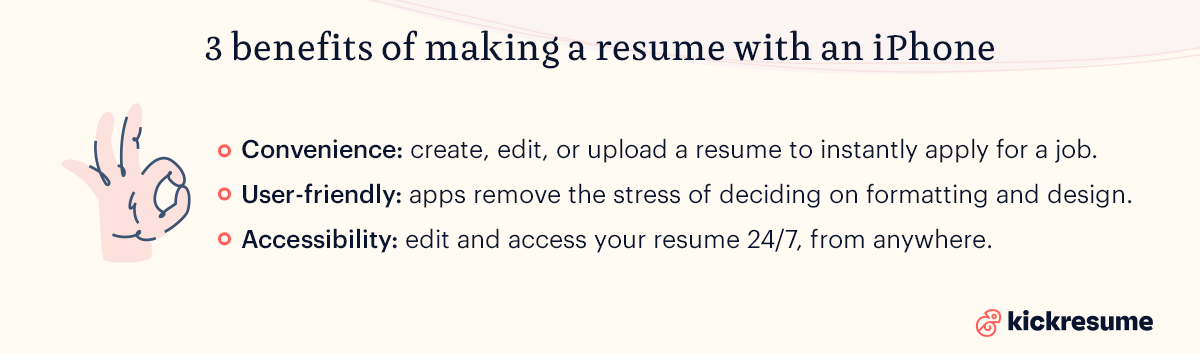
Here are three key benefits of making a resume with an iPhone:
- Convenience. More than anything, making a resume on an iPhone is very convenient. These days, almost all of us have a mobile device with us at all times. If you’re on the job hunt and discover a job posting online, you can easily create or edit a resume and apply to new jobs quickly.
- User-friendly. Well, resume-building mobile apps are designed to be simpler versions of resume builders. They also remove the stress of having to decide on resume formatting and style, thanks to their features that make it simple to design an impressive resume. Plus, using a pre-built template ensures you include all the necessary information.
- Accessibility. When you build and save a resume using a traditional word processing program (Microsoft Word desktop version, for example), you can only access the document when you’re sitting directly at the computer it’s saved on. Comparatively, a mobile app allows you to edit and access your resume 24/7, from anywhere. You only need an internet connection!
Quick iPhone resume content tips:
- Use pre-written phrases or AI suggestions if available to speed up writing.
- Always check formatting after adding new sections.
- Keep bullet points concise and focused on achievements, not tasks.
- Tailor skills and keywords to the specific job posting.
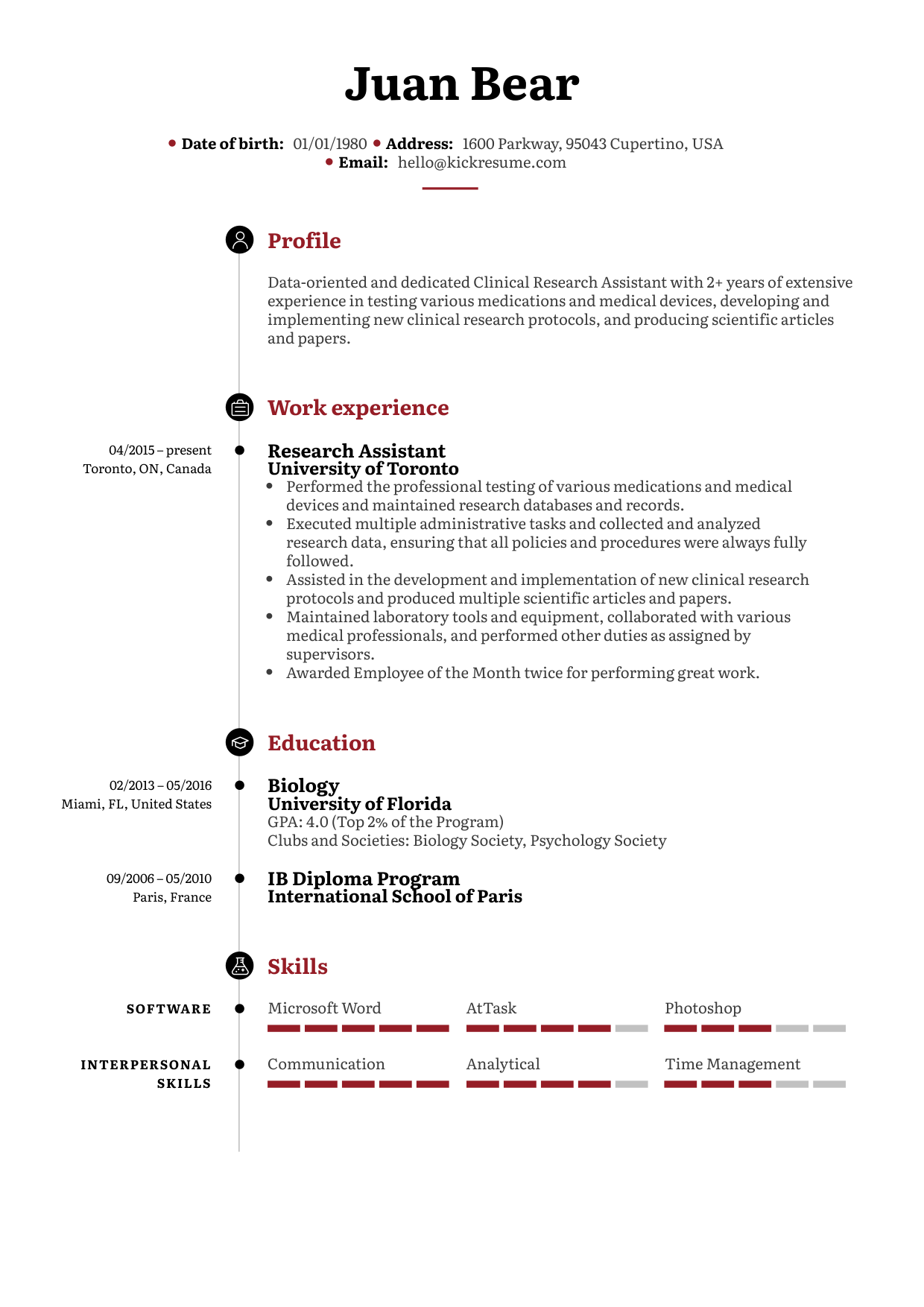
The key elements of a perfect resume
We’ve talked all about the ways to create a stunning resume on an iPhone — but what about the actual content of the resume?
It’s true that a good-looking resume can make a great first impression. However, at the end of the day, it’s up to you and your writing to captivate the employer’s attention further.
To do so, you must know the essential elements of a well-crafted resume.
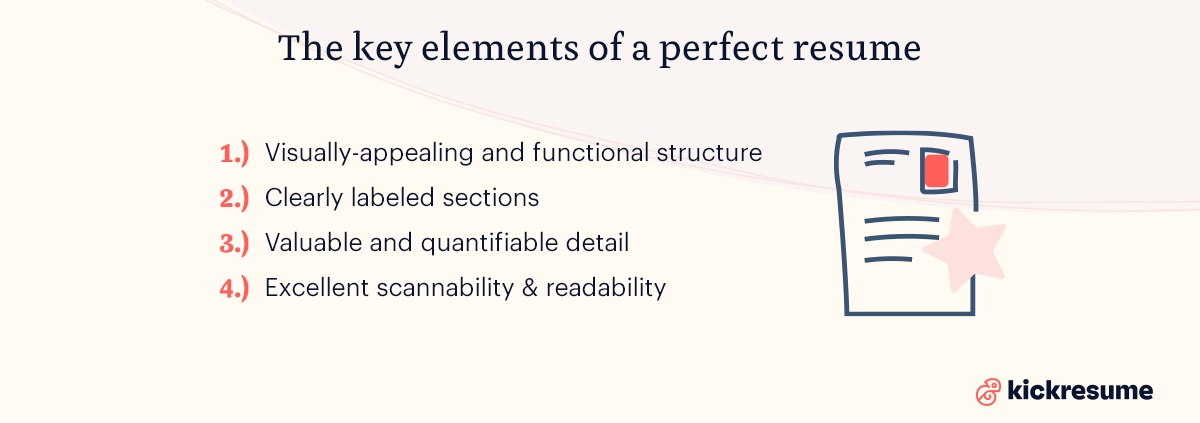
Here are 4 key elements to include on your resume (or to look for in a resume template):
1. A visually-appealing structure
A visually-appealing structure refers to the overall formatting and visual style of your resume.
If you’re unfamiliar with the different resume structures to choose from, here’s a quick breakdown:
- Reverse-chronological resumes: Reverse-chronological format is the most common one. It puts the heaviest emphasis on your work experience, making the work experience section the largest of the whole document. You begin with your most recent position and proceed to older ones. Hence, it’s the best if you have experience in the field.
- Functional resumes: Functional resumes place less focus on work experience. Instead, these resumes focus on education, skills, and unpaid experiences (such as internships or volunteering). Though a functional resume is less commonly seen and used, it can be well-suited if you have little to no relevant work experience in the field.
- Hybrid resumes: Hybrid resumes combine elements of both reverse-chronological and functional resumes. The emphasis and focus of the document are more evenly distributed among all sections. This can be beneficial for job applicants who have some relevant work experience, but not enough to fill out an entire chronological resume.
Resume-building mobile apps are useful when it comes to achieving a visually-appealing structure, as you are working with pre-made designs optimized by graphic designers and resume experts.
Most of them also let you change the order of the sections, depending on the resume structure that you wish to use.
2. Clearly labeled sections
After sorting out what type of visual structure and style you want for your resume, the next key element to focus on is creating clearly labeled sections.
When writing a resume, you don’t want the document to appear as one big block of text. Instead, you must use clearly labeled sections to divide the information up.
Additionally, you should always utilize bullet points to help keep your information organized and easy to read.
Here are four sections to always include (and label) on your resume:
Professional Header: A professional header is the only section that doesn’t require a label. They’re found at the top of the document and include your name, contact information, and professional title. In a header, you may also find a resume summary statement that highlights the top points found in your resume.
- Work experience. A work experience section is essential to all resumes. Even functional resumes should include at least a succinct work experience section. In the other formats, the work experience section should come first, directly after the header or key skills. You should list your most recent and most relevant jobs first.
- Education. Depending on the job and field you’re applying for, an education section can vary in length and the level of detail. For an reverse-chronological resume, an education section should be short and sweet, including your highest level of education, the institution you attended, and when you graduated. For resume formats with larger education sections, you can include educational achievements and awards, in-class experiences that are relevant to the job, or your GPA.
- Skills. A skills section is often found in a sidebar of a resume or before a work experience section. When listing skills on a resume, you should generally focus more on technical skills (also known as hard skills).
3. Value you can bring to the company
As you write your resume, remember that employers are looking for details that show them you’re the right fit for their company.
It’s crucial to take the time to research the company and their job listing beforehand to try and uncover what kind of qualities and experience they’re looking for in applicants. Once you’ve done this research, you can prioritize and emphasize different details in your resume that are most relevant and impressive.
Additionally, including quantifiable information can help show the employer the business value you offer.
For example, let’s say you worked at a production factory as a production manager. In this role, you were able to increase operational efficiency by 25% by switching the factory’s power supply provider. This is an excellent quantifiable detail to include on your resume.
4. Excellent scannability
The final element to always keep in mind when writing a resume is scannability.
Most hiring managers will first screen your resume for information and keywords they’re looking for.
To make your resume stand out to employers, make sure it has great scannability that allows the employer to quickly skim over it and gain the most important details and information.
Here's how you do that:
- Use bullet points for listing your daily tasks, achievements, or skills.
- Use bolding to highlight the most important keywords or achievements.
- Use professional section names, such as Resume summary, not Who am I?
- Don't use colored text.
- Don't write your resume as one big block of text.
How to make a resume on an iPhone using an online resume builder
Online resume builders allow you to create and edit a resume directly through a website or web browser. Most online resume builders will have either a drag-and-drop design style or a pre-built resume template that can be edited and customized.
In general, online resume builders fall into two main categories:
- Free online resume builders: Though free online resume builders can provide you with the ability to quickly whip up a good resume, they are often fairly basic in design capabilities and other features.
- Paid online resume builders: Comparatively, paid resume builders tend to offer more creative freedom, cool features, and customization options.
The best online resume builders to use in 2026
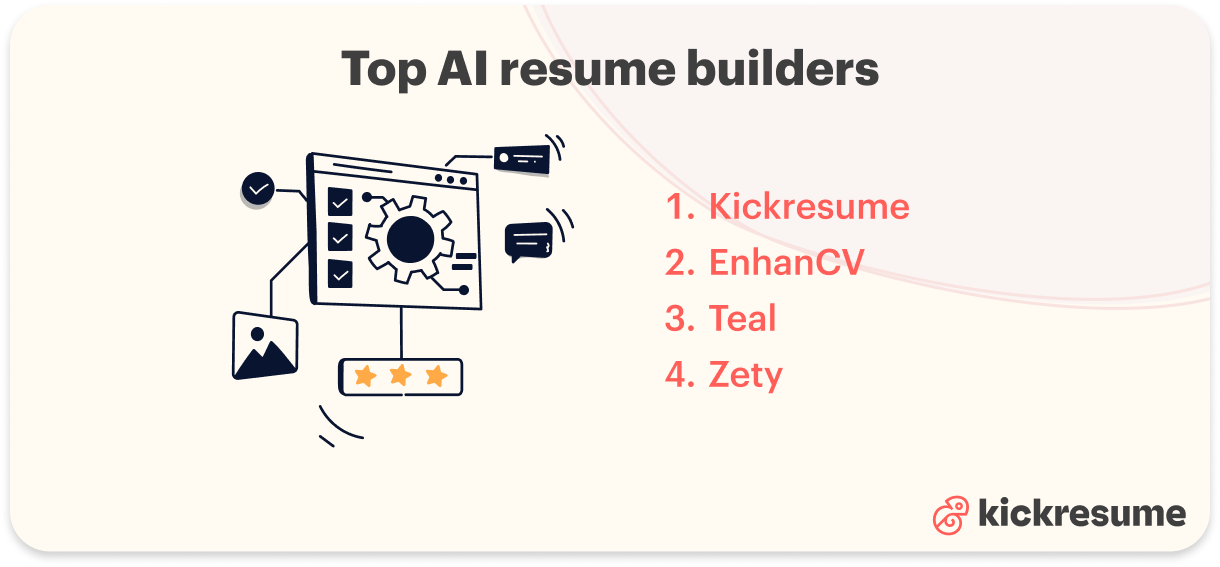
While this article focuses on making a resume on an iPhone, it's worth knowing what resume builders are out there in general. Most cover the basics, but each brings something slightly different to the table. Here are our top picks.
1. Kickresume
Kickresume is a well-rounded resume builder and career platform that covers all the bases. With professionally designed templates and plenty of AI tools, it helps you create a resume that gets you hired and supports you throughout your career. And since it’s available both on the web and as a mobile app, you can build and edit your resume wherever you are.
Key features include:
- 40+ professional templates designed by HR experts and typographers, including ATS-friendly options
- AI Resume Writer to generate tailored work experience content for any job title
- ATS Resume Checker to ensure your resume passes automated screening
- AI tool box including an AI Cover Letter Writer, AI Resume Rewriter, AI Resume Translator, and more
- Career Map to help you visualize and plan your career path
- 2,200+ resume samples and 1,350+ cover letter samples for inspiration
- LinkedIn import to turn your profile into a resume in just a few clicks
- Available as both a web platform and a dedicated mobile app.
2. EnhanCV
EnhanCV is a resume builder that strikes a good balance between design freedom and structured resume building. It offers a clean interface with solid customization options, though some of its more advanced features are locked behind a paywall.
Key features include:
- A range of customizable resume templates all accessible on the free plan
- Unlimited design customization tools accessible on the free plan
- AI assistant to add relevant phrases in key sections like summary, experience, strengths, and achievements
- Resume Checker to see how well your resume matches a specific job description
- LinkedIn and resume import to help you get started faster
- Available on web only
3. Teal
Teal is a job search platform that combines resume tools with application tracking and career management features. It can be a good fit for job seekers who want everything in one place, though the sheer number of tools can feel overwhelming at times.
Key features include:
- Minimalistic, customizable and ATS- friendly resume templates
- Job Application Tracker to save, organize, and manage your applications
- Job Search Chrome Extension that integrates with 40+ job boards
- Lots of AI career tools including generators, checkers, trackers, and career quizzes
- Resume Parser to extract and import your existing resume data
- Available on web only
4. Zety
Zety is a resume builder and career platform that focuses on delivering a clean, guided resume building experience. It offers a solid selection of templates and useful content suggestions, making it a straightforward option for job seekers who want a no-fuss approach to resume writing.
Key features include:
- 20+ clean, professionally designed templates, optimized for ATS
- Auto-suggestion feature to help you build your resume from pre-written phrases
- Step-by-step guided resume building process
- Extensive library of free resume and cover letter guides
- Available on web only
If you’re interested in other resume builders, we've reviewed the top 10 most popular resume builders so you don't have to.
Common mistakes to avoid when making a resume on your phone
Building a resume on your iPhone is fast and convenient, but the small screen makes a few errors easy to miss. Watch out for these:
- Shrinking the font to fit everything on one screen: Text that looks fine zoomed-in on your phone can end up too small to read once it's a full-page PDF. Keep body text at 10–12 pt and section headings at 12–14 pt, and judge the size in full-page preview, not while zoomed in.
- Exporting your resume as an image instead of a text-based PDF: If you screenshot your resume or save it as a JPG/PNG, an Applicant Tracking System (ATS) can't read a single word of it. Always export a true PDF with selectable text. Tap and try to highlight a word in the file; if you can select it, the ATS can read it.
- Skipping the preview before you export: This is the most common one. What you see in the editor isn't always what lands in the PDF. Always open the final preview and scan the whole page for cut-off text, awkward page breaks, and misaligned sections before you hit export.
- Forgetting to name the file properly. A resume saved as Untitled.pdf or Resume_final_v3.pdf looks careless to a recruiter. Rename it to Firstname-Lastname-Resume.pdf before you attach it.
Most phone-resume mistakes come down to formatting that breaks between the small screen and the exported file. Preview the full page, export a selectable-text PDF, and keep the design clean so your iPhone resume will hold up just as well as one built on a desktop.
Key takeaways: iPhone resumes
Making a resume on an iPhone can be quick, convenient, and effective — if you know what apps to use.
Whether you opt for an online resume builder or a resume-building mobile app, the key is still to tailor the document to the specific role and company you’re applying to.
By doing so, you make the visual elements and information on your resume all the more valuable, as it’s more relevant to the employer.
To access an online resume builder, Kickresume’s mobile app, and stunning resume templates, get started with Kickresume today.
![How to Write a Professional Resume Summary? [+Examples]](https://d2xe0iugdha6pz.cloudfront.net/article-small-images/How_to_Write_a_Professional_Resume_Summary_.png)

![How to Describe Your Work Experience on a Resume? [+Examples]](https://d2xe0iugdha6pz.cloudfront.net/article-small-images/How_to_Describe_Your_Work_Experience_on_a_Resume_.png)