


 ChatGPT
 Perplexity AI
 Claude
If you're looking for a tool that can help with more than just one part of your job search, you've probably come across both Kickresume and LinkedIn. One is built around the resume. The other is built around the network. Both have grown past that original purpose into something bigger.
In this article we'll break down what each one actually offers today: what they're built for, where they overlap, and how they can work together to support your job search from start to finish.
And since you're reading this on Kickresume.com, we'll be upfront: there's some bias here. That said, we're not blind to other tools and what they can offer and where they shine.
TL;DR: Kickresume vs LinkedIn overview
| Feature | Kickresume | |
|---|---|---|
| Resume builder | Dedicated builder 40+ templates |
Profile export No templates, one generic layout |
| Cover letter builder | Yes Dedicated builder + AI writer |
No |
| AI features | Resume-focused Writing, tailoring, ATS check |
Platform-focused Job-fit scoring, profile suggestions (Premium) |
| Networking & recruiter visibility | No | Core feature Connections, recruiter search, Open to Work |
| Job board | Basic board Limited listings |
Large job board Easy Apply, wide industry coverage |
| Free plan | Yes Unlimited resumes, never expires |
Yes Full profile & basic job search |
| Cheapest paid plan | $8/mo Annual, $96/yr |
~$29.99/mo Premium Career, annual billing |
Prices verified September 2026. LinkedIn pricing varies by region and account history.
What LinkedIn is actually built for
LinkedIn's core strength has never been document creation. It’s the network itself. When it comes to professional social media, this is THE network for it. But it has managed to offer its users more than just that.
What LinkedIn does well:
- Professional networking. Keeping your profile updated builds connections with recruiters and colleagues who see your job changes and updates, making it easier to reach out down the line.
- Job board. Millions of active listings across over 1 billion members. "Easy Apply" reuses your profile, so applying takes a couple of clicks instead of a new form each time.
- Recruiter visibility. Turning on "Open to Work" tells recruiters you're available, either to everyone or just to them, so opportunities can come to you before you've even applied anywhere.
- Turn it into a resume. If you've kept your profile up to date, you can export it as a resume in a couple of clicks. It won't be tailored or polished, but it's fast.
Things worth knowing about LinkedIn:
LinkedIn does a lot well, but it's worth going in with a clear picture of where it falls short.
- It only works if you use it. A sparse or outdated profile won't get you far with recruiters. Building a meaningful network takes time, it's a long game not a quick fix.
- Premium is expensive. At $30-40/mo it's a meaningful commitment for a social media platform. Most of what job seekers need is available for free.
- Algorithm dependent. Your visibility depends on how active you are. Posting and engaging regularly helps, but it's not always predictable.
- Noise. LinkedIn's feed is increasingly full of self-promotional posts and engagement bait. It can be hard to use it purely as a job search tool without getting pulled into the platform's social media side.
Beyond the job search
LinkedIn has grown well past networking and job listings. These aren't core job-search features, but they're part of what makes LinkedIn a bigger platform than most people realize.
- InMail. Monthly credits to message people outside your network directly, useful for reaching a recruiter or hiring manager without needing an introduction first.
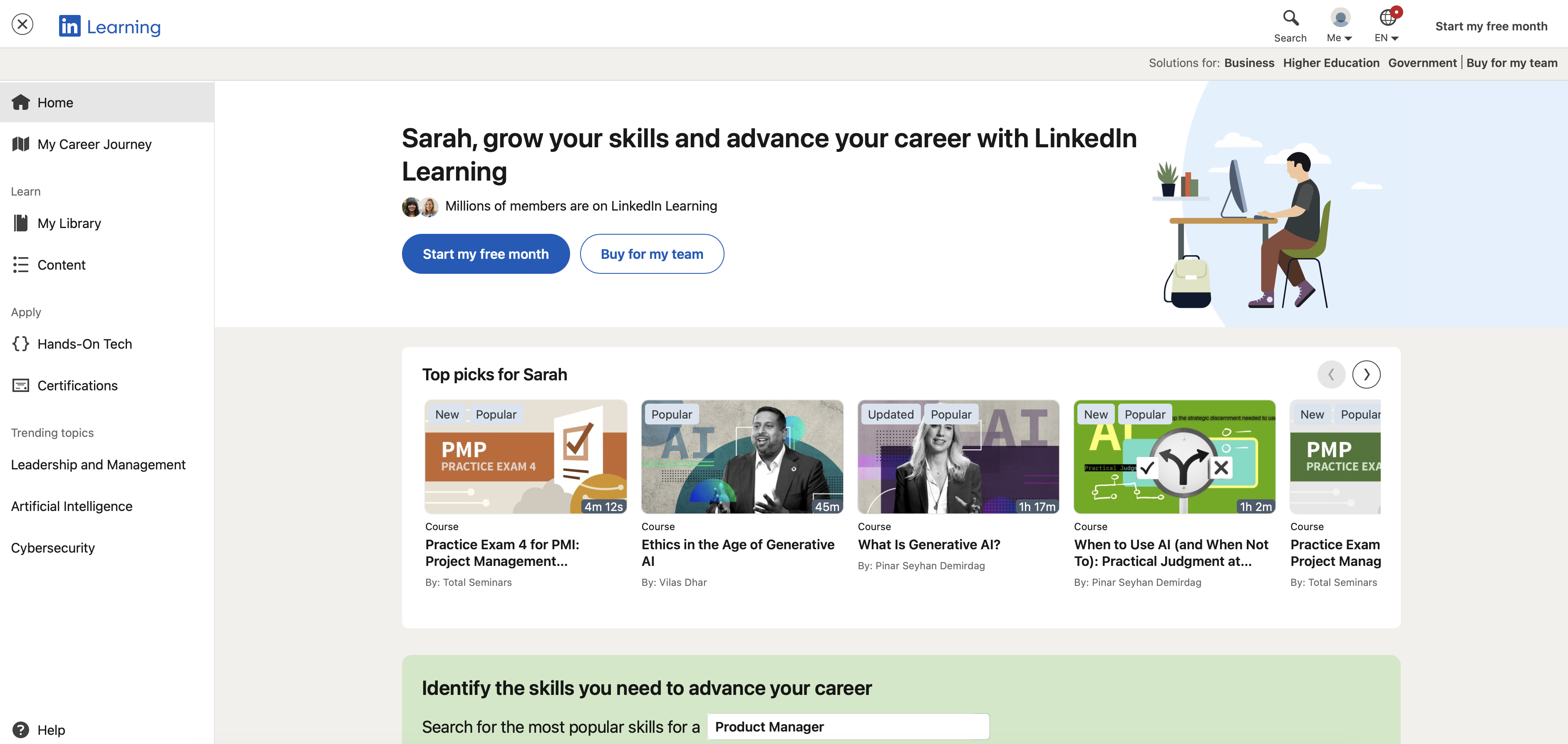
- LinkedIn Learning. A huge library of video courses, most with a basic completion certificate. Some tracks are backed by real partners like Microsoft or PMI. Costs money, but worth it if you want to upgrade your skills.
- Applicant insights. Once you apply, you can see how you compare to other applicants for that role, like seniority or how many of the listed skills you have.
- The bigger ecosystem. LinkedIn also sells separate paid tools for sales teams, recruiters, and HR departments. None of these are for job seekers directly, but they're a big part of why LinkedIn is much more than a place to post your resume.
Does LinkedIn have a resume builder?
Not really. What it has is a "Save to PDF" option under the "More" button on your profile, which exports your profile as a plain document. Here's what that actually gets you:
- A layout that mirrors your profile sections, in the order LinkedIn already put them in
- No visual design options or template choice
- No tailoring to a specific job description
- No ATS-focused formatting checks
- Content limited to whatever you've already written in your profile
LinkedIn has some AI features built into Premium, mainly for polishing your profile and scoring job fit. None of it is built to write, rewrite, or tailor the resume document you actually send out
It's fine if you need something fast and your profile is already in good shape. It's not a substitute for a resume built specifically for the job you're applying to.
LinkedIn's pricing
Free: LinkedIn itself is free to use, including the free version of profile creation, connections, and basic job search.
Premium Career: The paid tier relevant to job seekers is Premium Career, which generally runs $29.99–$39.99/month (lower with annual billing), and includes InMail credits, profile-view history, LinkedIn Learning access, and applicant insights.
What Kickresume is actually built for
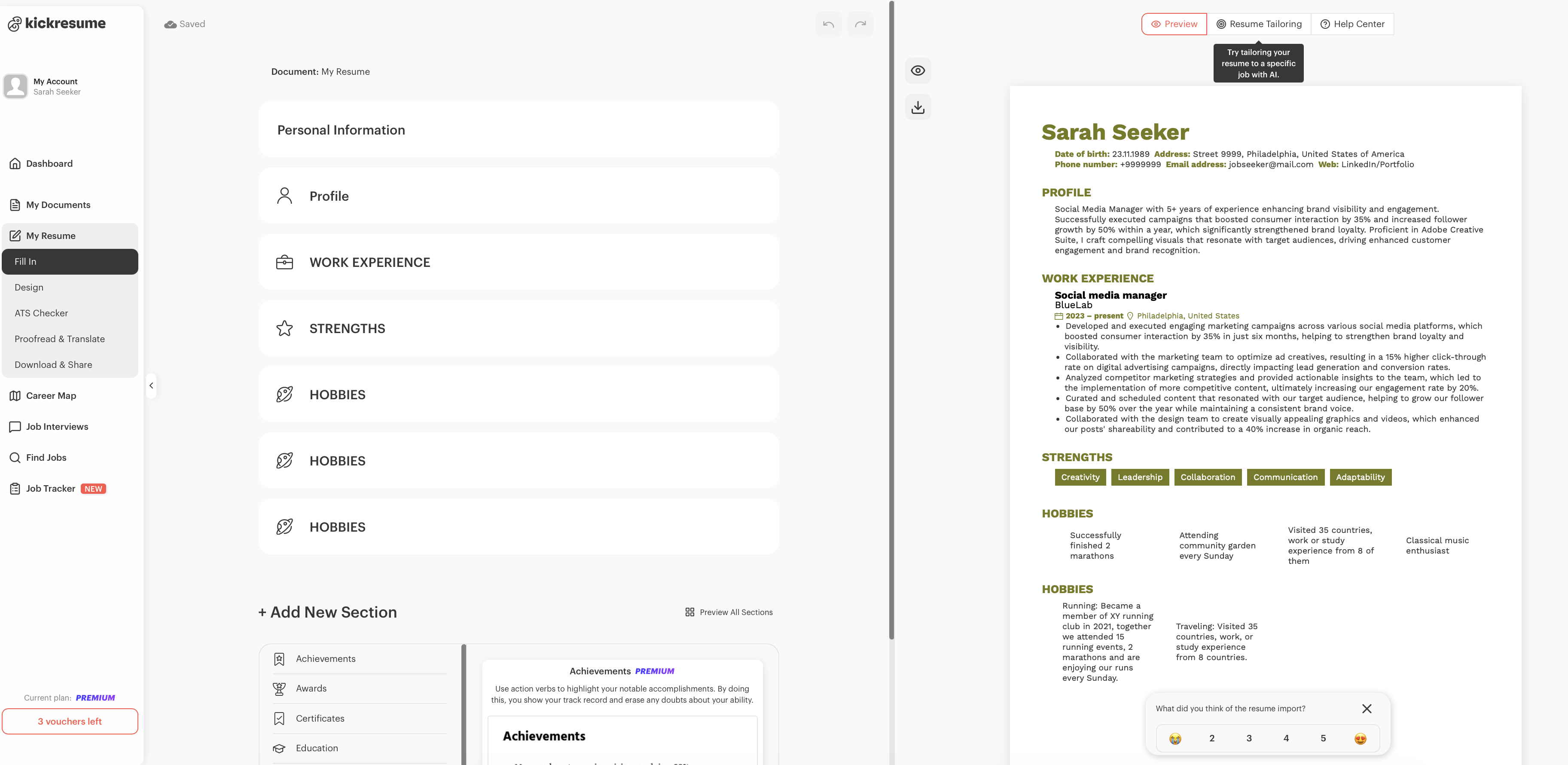
Where LinkedIn is about being seen, Kickresume is about being ready. Ready with a resume that's actually tailored to the job, in the right language, formatted to pass ATS, and backed by a cover letter that doesn't feel like an afterthought.
What Kickresume does well:
- Resume and cover letter building. Dozens of templates to pick from, fill in your details, and you have a properly formatted document ready to send. No design skills needed
- Making your resume ATS-friendly. A lot of resumes never get seen by a human because they fail automated screening. Kickresume's ATS Checker scores your resume and flags what needs fixing before you apply.
- Tailoring to a specific job. Sending the same resume to every job is one of the most common mistakes in a job search. Kickresume's AI Tailoring adjusts your resume to match a specific job posting, so it speaks directly to what that employer is looking for.
- Translating your resume. Available in multiple languages, formatting stays intact. Useful if you're applying across borders.
- Keeping all your career documents in one place. Resume, cover letter, personal website, and even a resignation letter when the time comes, all built from the same platform.
Things worth knowing about Kickresume:
- No recruiter discovery. Your Kickresume profile isn't browsable by recruiters. You have to actively apply, opportunities don't come to you.
- Free plan limitations. Some sections like achievements, certifications, and hobbies are locked on the free plan, and downloads come with a watermark. Worth knowing before you commit to building your resume there.
- Job board scale. Useful for keeping everything in one place but nowhere near LinkedIn's scale for job discovery.
Beyond the resume
Kickresume has expanded past document building too. These tools are useful additions, but they're not the main reason you'd choose it.
- Career Map. Suggests career paths based on your background, with salary data.
- Job Application Tracker. Organizes where you've applied and what stage each application is at, so nothing slips through the cracks.
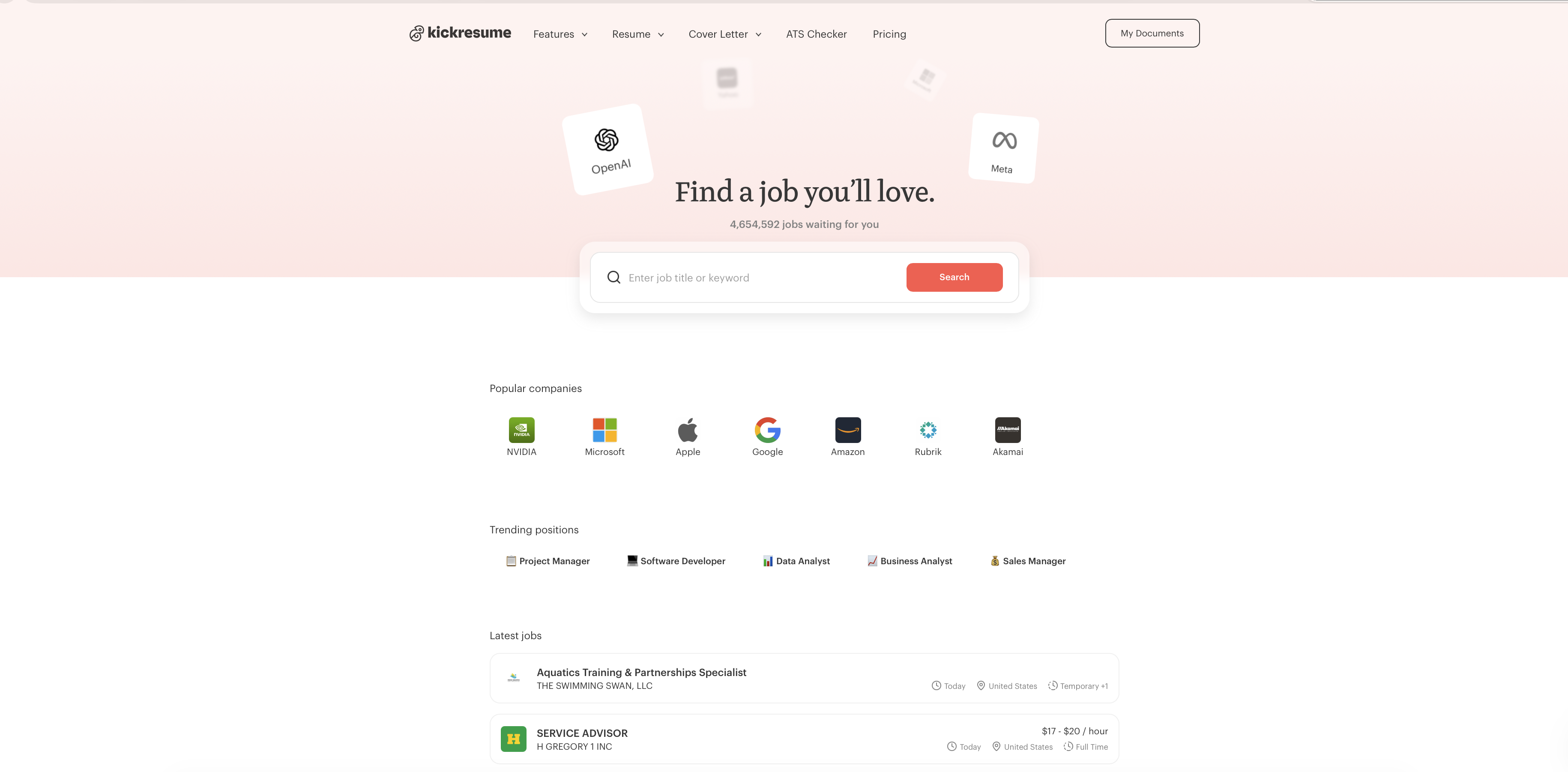
- Job Board. A basic board. Useful, but nowhere near LinkedIn's scale.
- AI Resignation Letter Generator. Writes a professional resignation letter based on your role and notice period.
- AI Online Career Coach. Scans your resume against a target role, flags skill gaps, and recommends resources to close them.
- Personal Website Builder. Turns your resume into a simple personal website you can share as a link.
- Career Map. Suggests career paths based on your background, with salary data.
Kickresume's pricing
- Free. Unlimited resumes and downloads, as long as you stick to free customization options.
- Premium. Monthly ($24/mo), quarterly ($18/mo), or yearly ($8/mo).
- Free for students and teachers for 6 months of Premium at no cost.
Final verdict: Kickresume vs LinkedIn
They're not really competitors. They solve different problems at different stages of the same job search.
LinkedIn is where you get found. Recruiters browse it, colleagues connect through it, and a strong profile means opportunities can come to you without you having to apply anywhere. If the problem is visibility, that's LinkedIn's territory.
Kickresume is where you get ready. Once you're in the running for a role, the resume and cover letter you send out determine whether you get a callback. If the problem is that applications aren't landing interviews, that's where Kickresume's tailoring, ATS tools, and document quality make the difference.
For most job seekers, the honest answer is to use both: LinkedIn to stay visible and keep your career history up to date, Kickresume to turn that history into something polished and ready to send.

