

 ChatGPT
 Perplexity AI
 Claude
Proofreading definitely doesn’t sound like the most exciting part of a job search. And if you think it’s more exhausting than watching a printer print, we won’t judge you.
But the truth is, proofreading can save your resume and cover letter from ending up in the junk pile. After all, errors in any form—whether grammar, spelling, or style—can be distracting and appear unprofessional.
So yes, taking the time to proofread is simply worth it to land the job you’re pursuing.
In this article, we'll explore:
- What proofreading is and how it differs from editing
- Essential proofreading tips for your resume, complete with a checklist
- Proofreading tips for your cover letter, along with a checklist
- Handy proofreading techniques for documents beyond just resumes and cover letters
- Email proofreading tips
Use artificial intelligence to create your resume — FAST!

Understanding proofreading
Proofreading is the final step in the writing process where you thoroughly review your writing for grammar, spelling, punctuation, and formatting errors.
It's like giving your resume and cover letter that last polish to ensure they're ready to impress.
What’s the difference between editing and proofreading? Editing focuses on improving the overall content, structure, and flow of your writing.
Proofreading, on the other hand, zooms in on catching those sneaky little errors and typos. Think of editing as sculpting the big picture and proofreading as perfecting the details.
Making sure that your resume and cover letter are error-free is crucial. Mistakes in these documents can basically make you seem careless and unprofessional.
By proofreading, you show attention to detail and increase your chances of leaving a brilliant first impression on your potential boss.
Essential proofreading tips for resumes and cover letters
Proofreading your resume and cover letter is key to making a solid first impression. Although both aim to showcase your skills, they need different approaches. Here are some tailored tips for each:
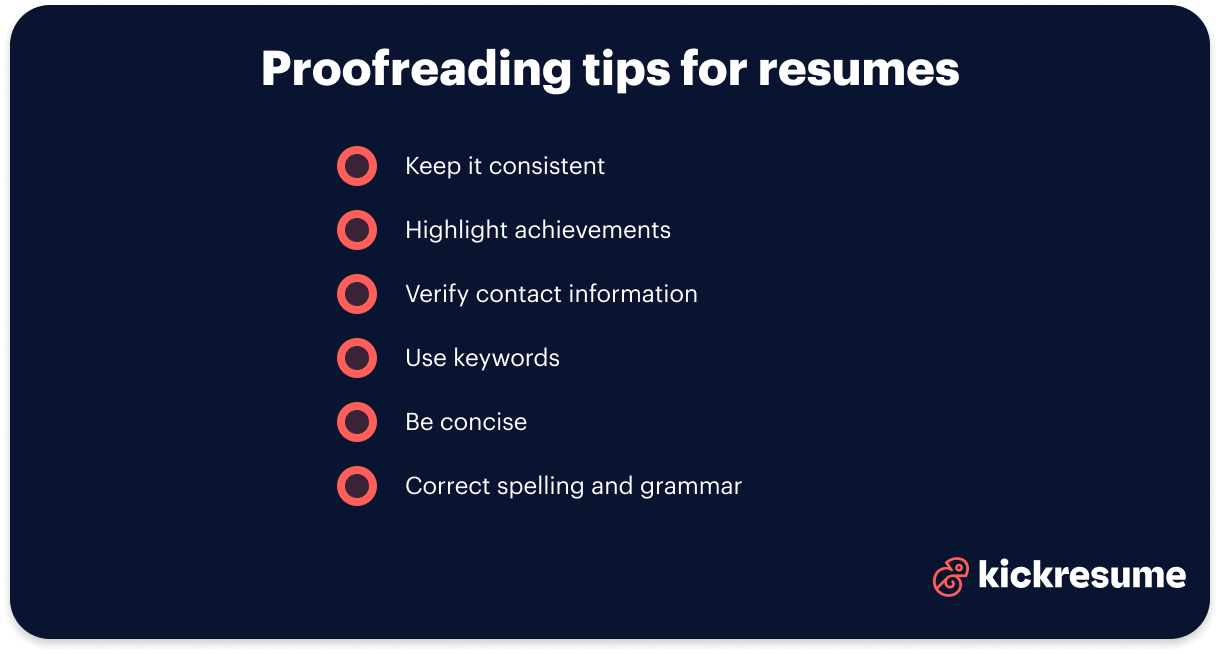
Proofreading tips for resumes
- Keep it consistent: Make sure your fonts and formatting are consistent. Align dates and job titles in the same style. For example, use bold for all job titles and the same bullet style for each job description.
- Highlight achievements: Check each bullet point for specific achievements. Instead of saying "responsible for sales," try "boosted sales by 20% through targeted campaigns."
- Verify contact information: Double-check your contact details. One wrong number could mean a missed opportunity.
- Use keywords: Include industry keywords from the job listing. If the job mentions "project management software," make sure those words are in your skills section.
- Be concise: Cut out any fluff. Keep it brief and to the point to effectively show off your skills.
- Correct spelling and grammar: Ensure correct spelling and grammar in your resume by using spell check tools or an AI resume checker, and double-check unusual words or industry-specific terms.
To make it easier for you, here’s our proofreading checklist for resumes:
Resume proofreading checklist
Consistency and clarity
- Are all bullet points starting with action verbs?
- Is the formatting consistent (fonts, headings, bullet points)?
- Are dates and locations formatted uniformly?
Spelling and grammar
- Have you run a spell check?
- Are all names and companies spelled correctly?
- Are verb tenses consistent for past jobs?
Relevance and conciseness
- Is all included information relevant to the role?
- Are bullet points clear and concise?
Contact information
- Is your contact information current and accurate?
Final review
- Have you reviewed the document for overall presentation?
- Have you taken a break before a final check?
Proofreading tips for cover letters
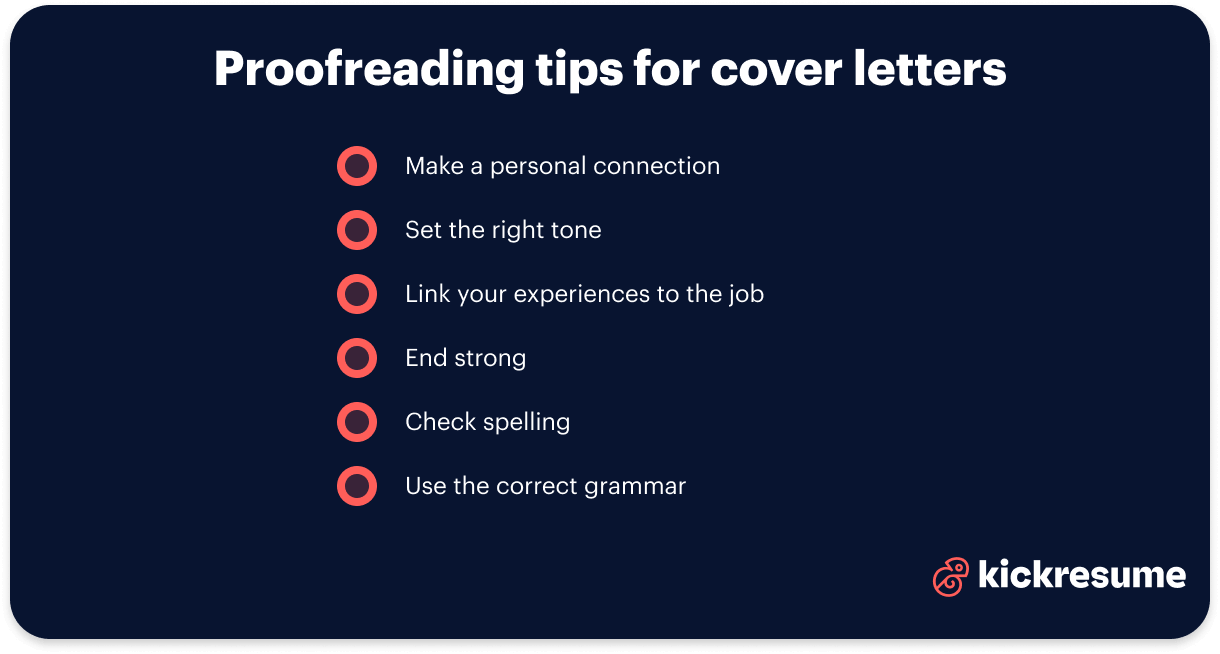
- Make a personal connection: Ensure you’ve got the hiring manager's name right. "Dear Mr. Smith" is definitely more engaging than some generic or outdated greeting like "To whom it may concern."
- Set the tone: Match the company’s vibe. If it’s a creative agency, you might add a line like, "I’m passionate about creative storytelling," to show your personality. For a more formal company, maintain professionalism throughout.
- Link your experiences to the job: Make sure you're clearly linking your experiences to the job. If the role you’re pursuing focuses on efficiency and innovation, let them know you’re the right fit: "In my previous role, I led a project that reduced costs by 15%, proving my efficiency and knack for innovation."
- End strong: Wrap up with a confident closing. Say something like, "I am eager to bring my marketing skills to your innovative team and discuss how I can contribute."
- Check spelling: Look for grammar mistakes and awkward phrasing. Ensure all names and terms are spelled correctly.
- Use the correct grammar: A grammar proofread boosts clarity and professionalism. Use grammar tools or an AI proofreader to catch errors. For instance, watch out for common mistakes like subject-verb agreement to ensure your writing flows smoothly.
Here's our proofreading checklist for an easier review of your document:
Cover letter proofreading checklist
Grammar and Punctuation
- Are verb tenses consistent?
- Is punctuation used correctly?
Spelling and personalization
- Have you run a spell check?
- Are all names, addresses, and job titles correct?
- Is the letter customized for the specific job and company?
Structure and flow
- Does the introduction clearly state the position applied for?
- Is the cover letter organized logically?
Tone and content
- Is the tone professional yet engaging?
- Does it effectively highlight your value to the employer?
- Is all necessary information included (skills, experiences)?
Consistency
- Is the formatting consistent with the resume?
- Are all fonts and sizes uniform?
Final review
- Have you read it aloud for clarity?
- Have you taken a break before doing a final check?
Now that you know what to look for, how can you efficiently proofread your resume and cover letter?
In the next chapter, we’ll dive into some tested proofreading techniques that will boost your confidence in checking your own writing.
Effective proofreading techniques
- Read out loud for clarity: Reading your document aloud can help you catch awkward phrasing and grammatical errors that may not be obvious in silent reading. It basically engages both your visual and auditory senses, so it’s easier to spot mistakes.
- Take a break for a fresh perspective: Step away from your writing before proofreading. Allowing yourself time away from your writing helps you return with a fresh perspective, making it easier to see errors you may have overlooked initially.
- Zoom in for detailed checks: When working in a Word document, zoom in on the text to focus on each word and punctuation mark. This helps you spot finer details like misplaced commas or incorrect spacing.
- Peer editing for a second opinion: Have someone else review your resume or cover letter. Besides catching mistakes, a trusted friend might give you valuable feedback on clarity and coherence.
- Start from the end: Try reading your resume or cover letter from the last word to the first. This technique helps you catch errors like "manager" versus "manger" that AI tools might miss. By focusing on each word individually, you can disconnect from the overall content and focus on spotting mistakes.
Create your cover letter fast with artificial intelligence.

Leveraging AI proofreading tools and text editors
Sometimes it’s just human nature not to trust human nature, and that’s where AI proofreading tools and text editors come in handy.
According to Exploding Topics, 78% of global companies use AI. So, having a little experience with artificial intelligence yourself, even if it’s just for checking your resume and cover letter, can’t hurt your job application.
AI tools catch grammar, spelling, and punctuation mistakes. However, be cautious, as they might miss nuances like "there" and "their." That's why a human review is still important.\
What’s great about AI checkers is that they give you suggestions and substantially improve your resume and cover letter writing.
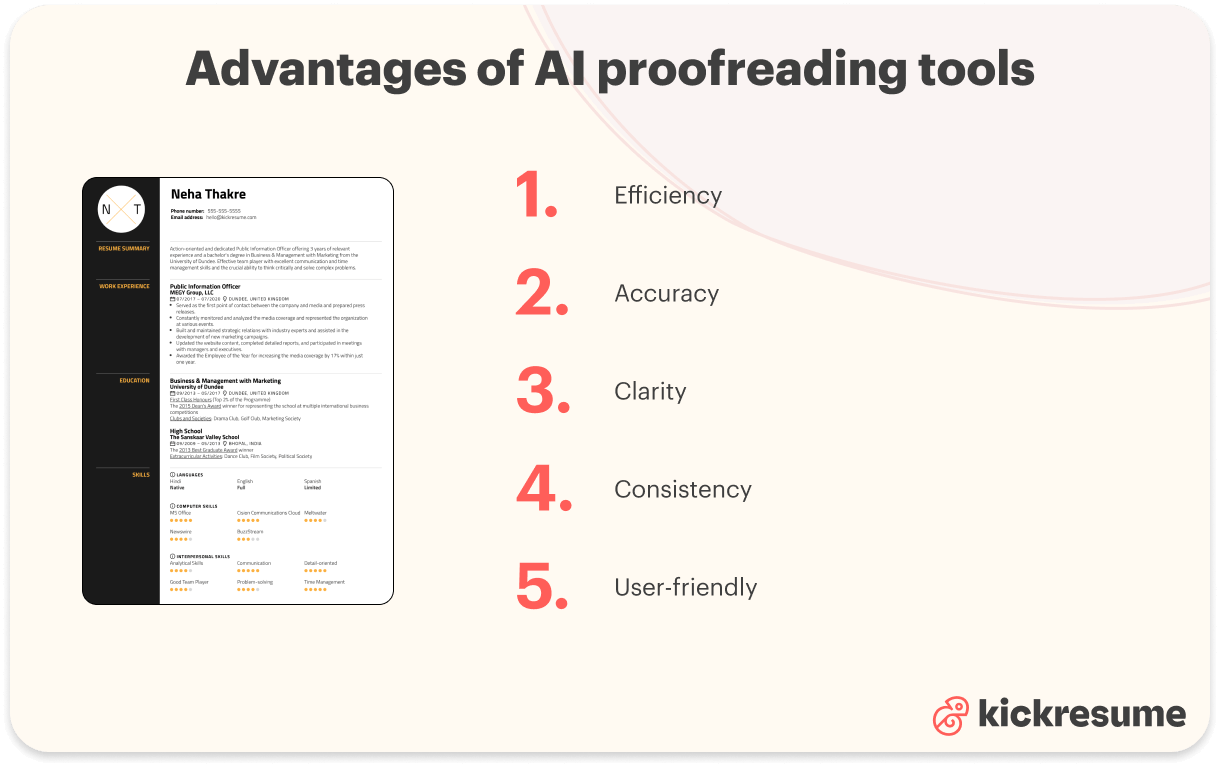
Advantages of AI proofreading tools:
- Efficiency: Quickly highlights errors and suggests corrections, saving you time.
- Accuracy: Detects common mistakes that may be missed during manual proofreading.
- Clarity: Offers style and clarity improvements, helping your writing flow better.
- Consistency: Ensures uniformity in language use across your document.
- User-friendly: Easy to integrate into word processors like Microsoft Word and Google Docs.
However, remember to always give your work a final personal review. Or you can simply use resume and cover letter proofreading services, where an extra pair of expert human eyes will review your documents.
Email proofreading tips
Now that your resume and cover letter are proofread and ready to work their charm, you’ll likely need an effective email to accompany your job application.
And just when you thought you were done proofreading (sorry). Don’t worry, though; we’ll cover some handy email proofreading tips and provide an example email for inspiration.
Professional email proofreading tips
- Check for consistency: Ensure your formatting is consistent throughout the email. If you start with "Dear," keep it formal throughout. If you go casual with "Hi," maintain that tone.
- Mind your tone: Make sure the tone matches the recipient and context. For a job application, keep it professional yet personable.
- Short and sweet: Keep your message concise. Avoid long, winding sentences. Instead of saying, "I am reaching out because I would like to discuss our upcoming meeting," try "I would like to discuss the upcoming meeting."
- Watch for common mistakes: Look for common errors like "their" vs. "there," and ensure all names and titles are spelled correctly. Double-check dates and numbers too.
By using these proofreading techniques, you can ensure your professional emails are clear, effective, and leave the right impression.
And now a promised example of a job application email:
Example of a job application email
Subject: Application for Marketing Intern Position
Dear [Hiring Manager's Name],
I hope this message finds you well. I am writing to apply for the Marketing Intern position listed on your website. With my background in marketing and a keen interest in digital strategies, I am eager to contribute to your team.
I have attached my resume and cover letter for your review. Please let me know if you need any additional information.
Thank you for considering my application. I look forward to the opportunity to discuss how I can support your marketing efforts.
Best regards,
[Your Full Name]
[Your Contact Information]
Proofreading tips applied:
- Read aloud for clarity: Ensured the message flows smoothly without awkward phrasing.
- Consistency: Kept a professional tone throughout.
- Short and sweet: Maintained a concise message focusing on key points.
Key takeaways: Proofreading tips for resumes and cover letters
- Consistency is key: Ensure uniformity in font, style, and formatting across your documents. This creates a professional and cohesive look.
- Clarity and conciseness: Keep language clear and direct. Remove unnecessary jargon to enhance readability and comprehension.
- Check for errors: Use AI tools to catch spelling and grammar mistakes. However, always do a manual check to ensure nothing is overlooked.
- Read aloud: Reading your documents aloud helps identify awkward phrasing and ensures the content flows smoothly.
- Final review: Take a break before doing a final review. Fresh eyes are better at spotting last-minute issues.
